Table of Contents
Introduction
AI is everywhere in smartphones right now. Processors and cameras still matter, but software is what’s actually changing how people use their phones daily. Samsung saw this coming early and built Galaxy AI, a set of AI tools meant to make phones more useful without making users think harder about how to use them.
Galaxy AI features aren’t limited to one single tool. They spread across the whole phone, from translating calls to editing photos in a couple of taps. The idea is to cut out the extra steps in everyday tasks.
By 2026, Galaxy AI isn’t just a marketing label anymore. It’s part of how Samsung’s phones work, and for a lot of buyers, it’s a real reason to pick a Galaxy over something else.
What Is Galaxy AI?
Samsung Galaxy AI is Samsung’s AI system built into Galaxy phones and tablets. According to Samsung, it combines on-device processing with cloud AI to handle things like communication, productivity, creative work, and search.
It’s not like older AI systems that just wait for commands. Galaxy AI can read context, write content, summarize things, translate, and handle small tasks without you explaining everything.
Samsung’s approach is straightforward, to make the phone feel less like a tool you have to operate and more like something that just helps.
Whether you’re drafting an email, searching for anything, sorting notes, or editing a photo, Galaxy AI is there to save you a few steps.
How Galaxy AI Works
Galaxy AI works in two main ways.
The first is on-device processing. Samsung explains that certain AI tasks can run directly on supported devices using dedicated AI hardware for improved privacy and responsiveness. The phone handles everything itself using its Neural Processing Unit (NPU), so nothing leaves the device. That means quicker responses and better privacy.
The second is cloud processing. For bigger, more demanding tasks, the phone sends data to Samsung’s servers, where heavier AI models do the work and send results back.
With these two methods, Galaxy AI stays fast and private where it can, and powerful where it needs to be. Most people never notice which one is running in the background, it just works.
Circle to Search
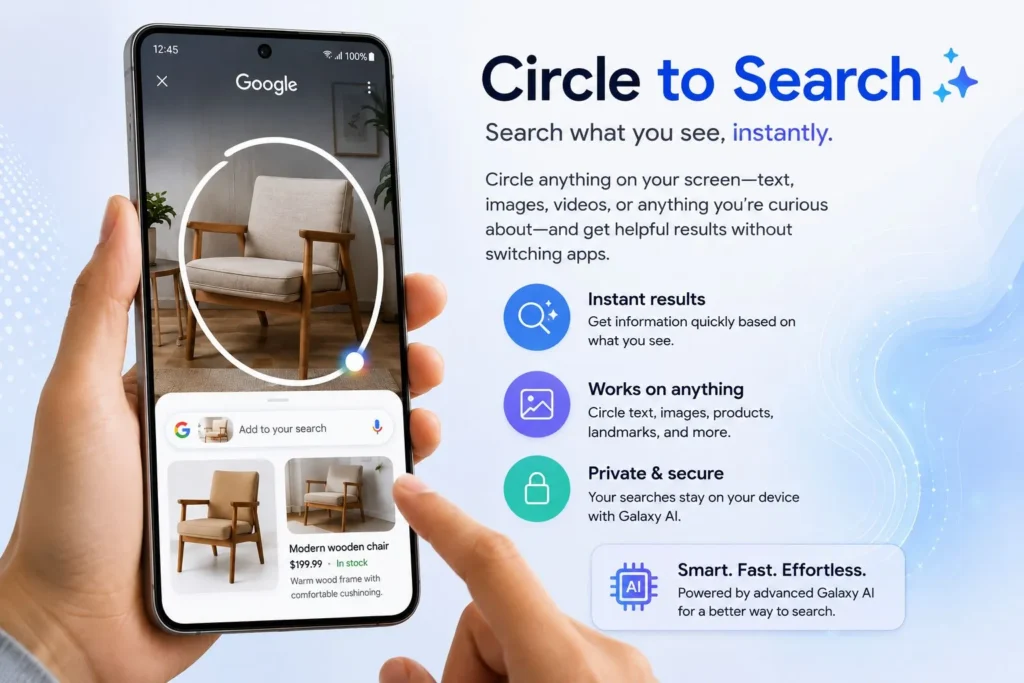
Circle to Search is probably the feature people talk about most.
Instead of switching apps and typing out a search, you just circle or tap whatever’s on your screen. Galaxy AI recognizes what’s on your screen and brings up relevant results instantly. Circle to Search was developed through Samsung’s partnership with Google and is available on supported Galaxy devices.
Say you spot a pair of shoes on social media and want to know where to get them, just circle the image and you’ll get search results in seconds.
It skips a bunch of steps you’d normally go through to find the same info. For most people, this becomes one of the first AI features they actually use daily.
Live Translate
Talking to someone who speaks a different language is never simple over the phone.
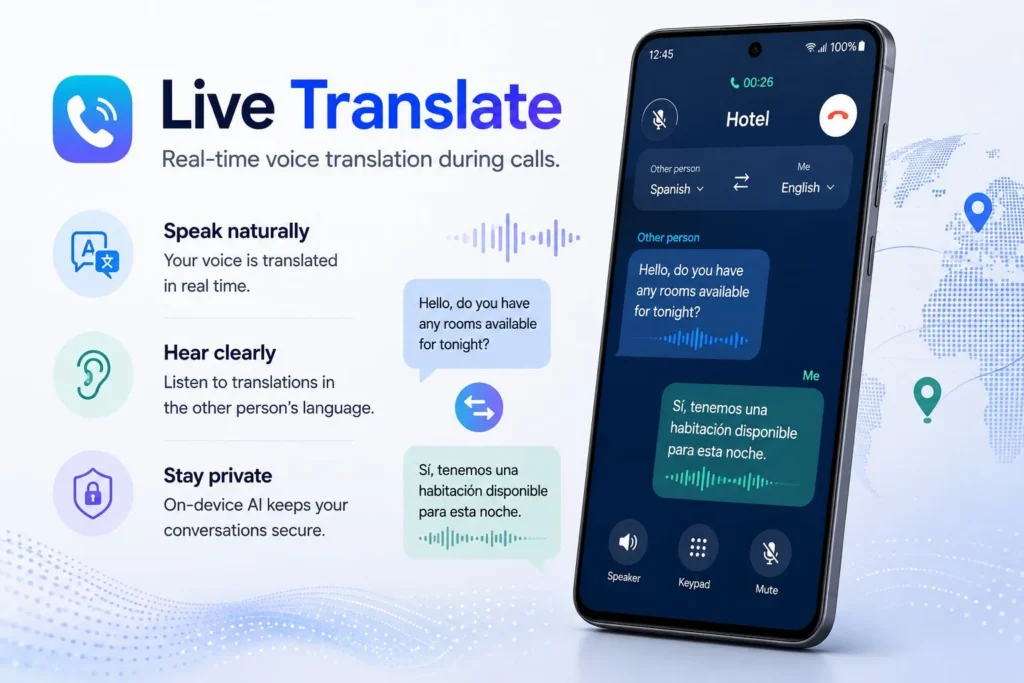
Samsung’s Live Translate solves this problem. It translates calls as they happen. One person talks, and Galaxy AI converts it into the other person’s language in real time.
Unlike a lot of translation apps you’d have to download separately, this is built right into the phone.
It’s useful for travelers, people doing business across borders, or anyone who regularly talks to people who don’t speak their language.
Being able to have a normal conversation without a language barrier in the way is one of the more useful features of Galaxy AI.
Interpreter Mode
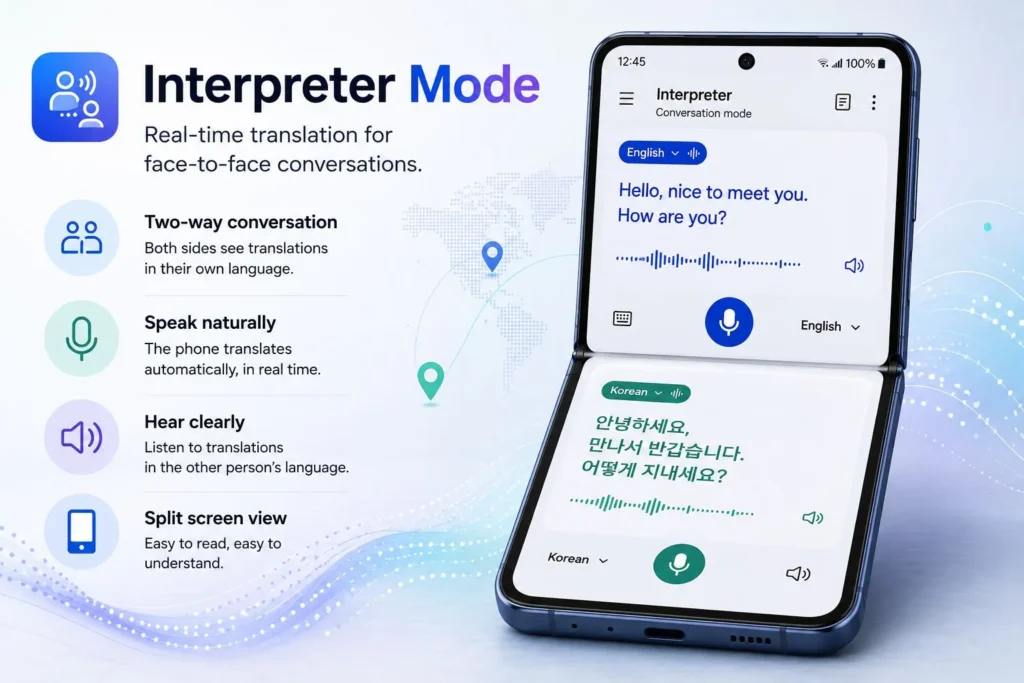
Interpreter Mode is similar to Live Translate, but it is designed for face-to-face conversations.
When two people speak different languages, the phone shows translated text to both of them as they talk. It helps conversations flow more naturally.
This is useful when you’re traveling, meeting clients from another country, or just trying to get around somewhere unfamiliar. No need for a phrasebook or a separate app, the phone handles the interpreting.
Note Assist
Most people use their phone to write down notes, ideas, or things they don’t want to forget. The problem is sorting through it all later.
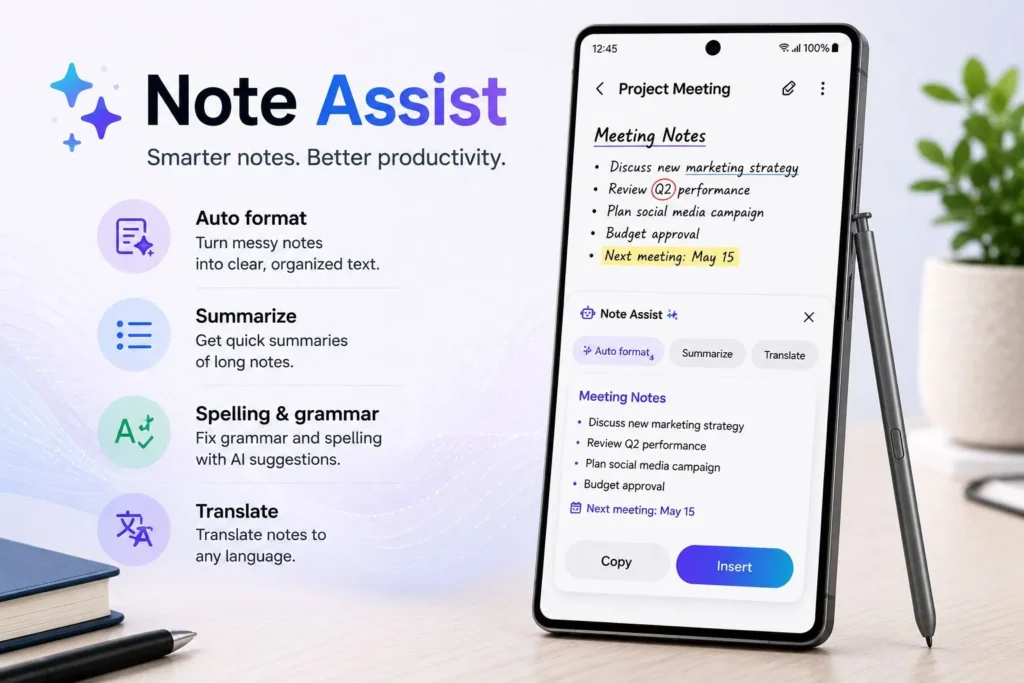
Note Assist takes care of that. It can summarize long notes, break them into outlines, and clean up messy text into something readable.
Students can use it to go over lecture notes fast. Professionals can turn long meeting notes into a short list of what actually matters. It reduces the time spent re-reading your notes so you can get to the point faster.
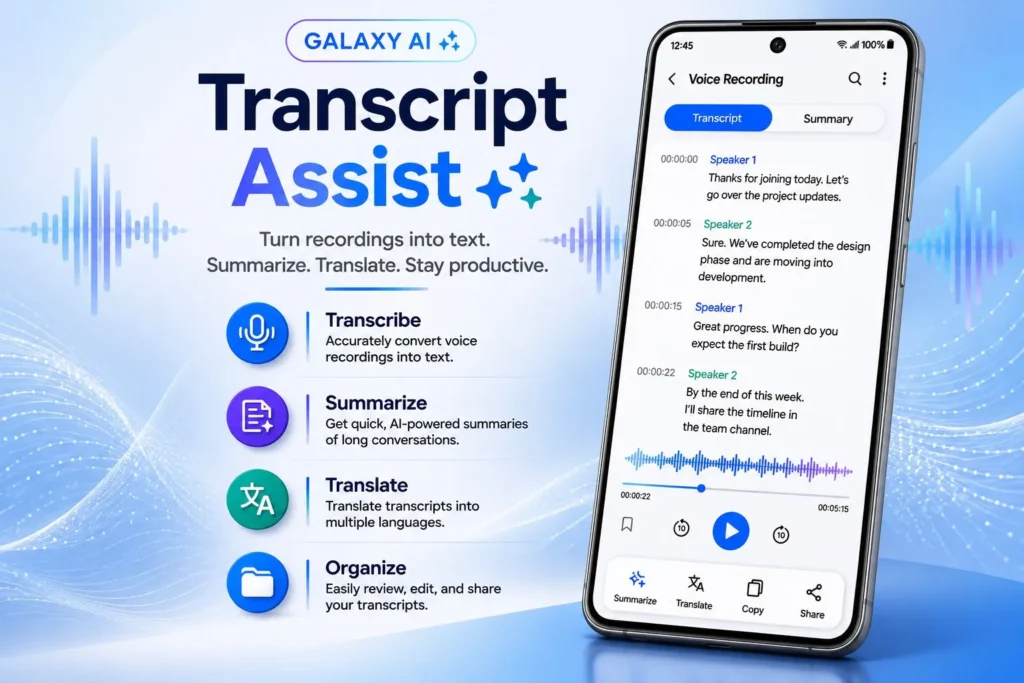
Transcript Assist
Voice recordings hold a lot of useful information, but going back through them later is a hassle.
Transcript Assist turns audio into text automatically. Once that’s done, Galaxy AI can summarize the recording and pull out the important parts. Record a one-hour meeting, and you can get a short summary back in seconds.
That’s a real time-saver for students, journalists, researchers, and anyone who deals with a lot of recorded conversations. It basically turns spoken audio into something you can search and quickly read.
Browsing Assist
There’s too much to read online but long articles aren’t always worth the time, especially when you just need one answer. Browsing Assist summarizes web pages and pulls out the key points for you.
Instead of spending ten minutes on an article, you get the key point in a few seconds. It can also translate foreign-language sites, so content in other languages isn’t inaccessible. If you do a lot of reading or research on your phone, the time savings become noticeable over time.
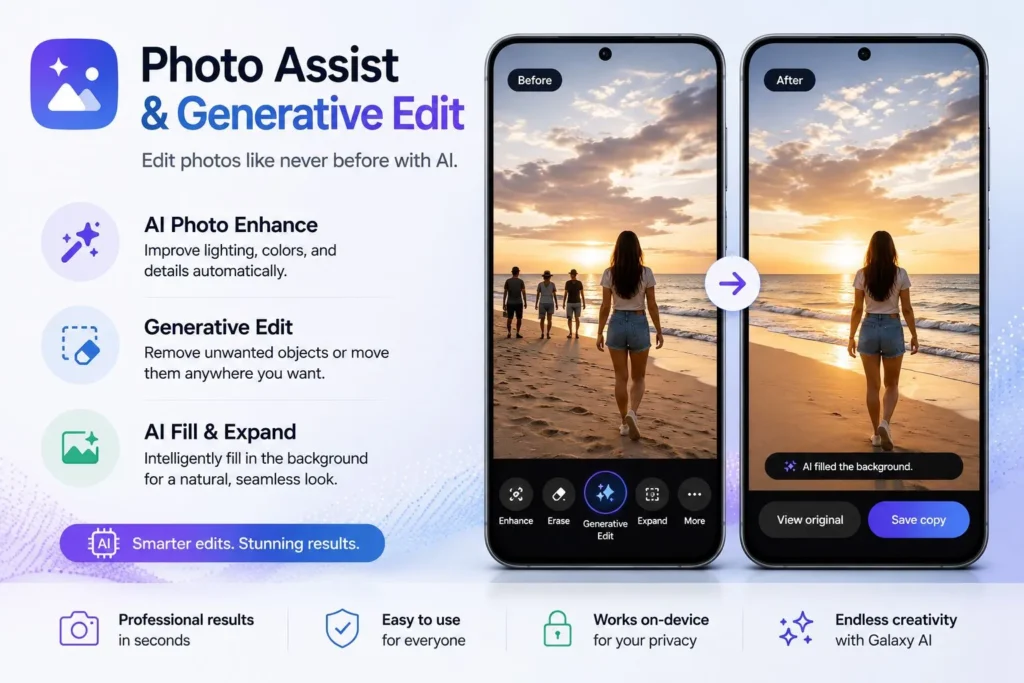
Photo Assist and Generative Edit
Cameras are a big deal on phones, and Samsung has also integrated AI into this experience.
Photo Assist speeds up editing. You can move objects around, clean up distractions, straighten a crooked shot, or edit photos without much effort.
One of the most impressive features is Generative Edit. It can generate missing details when you crop or resize a photo, remove things you don’t want in the shot, and generate background details that actually look like they belong there.
A few years ago, you’d need dedicated editing software for this. Now you can do it directly on your phone. That makes decent photo editing available to anyone, not just people who know how to use editing tools.
Galaxy AI Supported Devices
It runs on most of Samsung’s higher-end phones. The list of supported devices continues to grow as Samsung expands AI features through software updates.
It started with flagship models, but Samsung has expanded support to more devices through software updates over time.
Generally, the newest Galaxy S series, the Z Fold and Z Flip lines, and select tablets get the latest AI features first.
Samsung keeps expanding which devices support it, so the list grows with each update. The latest compatibility information can be found through Samsung’s official Galaxy AI support documentation.
If you’re buying a phone mainly for the AI features, it’s worth checking that it’s actually getting the latest Samsung software.
Galaxy AI vs Apple Intelligence
It’s easy to compare Galaxy AI with Apple Intelligence at this point.
Both are aimed at the same things, productivity, communication, and making the phone feel more personal. Right now, Galaxy AI has more public-facing tools spread across translation, search, notes, and photo editing.
Apple Intelligence focuses more on bringing everything together into Apple’s ecosystem and keeping a tight grip on privacy. Apple has stated that Apple Intelligence combines on-device processing with its Private Cloud Compute system to balance AI capabilities and privacy. Which one’s “better” really depends on which phones you already use.
If you’re looking for a deeper analysis of Apple’s approach, read our complete guide on Apple Intelligence, including its features, supported devices, privacy protections, and limitations.
If you’re in the Samsung world, Galaxy AI fits naturally. If you’re deep into Apple products, Apple Intelligence will probably feel more convenient. Either way, both companies are continuing to improve these features, and that’s good for anyone buying a phone.
Privacy and Security
Privacy is usually the first concern people raise about AI. Samsung’s approach here is the hybrid setup mentioned earlier.
A lot of Galaxy AI features run locally on the phone, so sensitive data doesn’t need to leave the device at all. Samsung is also quite clear about which features rely on the cloud and which run locally.
Samsung provides detailed information about Galaxy AI privacy, security protections, and data processing methods through its official support resources.
For people concerned about privacy, that difference is important. As these AI tools continue to grow, this balance will only matter more.
Is Galaxy AI Worth Using?
Galaxy AI is a great tool, but it has some limitations. Not all features work without an internet connection, and depending on where you live or what language you use, some things may not be available. Your phone model and software version matter too. And while the AI photo editing does a decent job most of the time, it can struggle with tricky shots, so give your photos a quick look before sending them to anyone.
Yes, honestly. A lot of tech trends sound exciting at first but don’t offer much real value. However, most of these features solve actual problems.
- Live Translate makes talking to people easier.
- Note Assist saves time on busy work.
- Circle to Search gets you answers faster.
- Generative Editing makes photo editing less effort.
These are practical features designed for everyday use, they’re things people end up using without thinking twice. Not every feature will matter to every person, but there’s enough here to change how you use your phone day to day.
Final Verdict
Galaxy AI reflects where Samsung believes smartphone technology is heading. Instead of just adding more hardware every year, they’re putting the effort into making the software smarter and more useful.
Between translation, productivity tools, photo editing, and smarter search, Samsung’s AI tools add real value beyond the usual spec sheet upgrades.
As AI becomes a normal part of how phones work, Galaxy AI has made Samsung one of the key players in the move toward AI-powered smartphones.
If you’re buying a phone in 2026, Galaxy AI is one of the better reasons to go with a Galaxy device.
Of course, AI is only one part of the buying decision. If you’re comparing Samsung and Apple across design, cameras, battery life, performance, and software, check out our complete iPhone vs Samsung comparison.
What is Galaxy AI and how does it work?
Galaxy AI is Samsung’s collection of AI-powered tools built into Galaxy devices. It combines on-device processing and cloud-based AI to help with tasks like translation, note-taking, web browsing, photo editing, and search.
What are the best Galaxy AI features in 2026?
Some of the best Galaxy AI features in 2026 include Circle to Search, Live Translate, Interpreter Mode, Note Assist, Transcript Assist, Browsing Assist, and Generative Edit. These tools are designed to save time and make everyday smartphone tasks easier.
Which Samsung phones support Galaxy AI?
Galaxy AI is available on many recent Samsung devices, including the latest Galaxy S series, Galaxy Z Fold models, Galaxy Z Flip phones, and select Galaxy tablets. Samsung continues to expand Galaxy AI supported devices through software updates.
Is Galaxy AI free to use?
Most Galaxy AI features are currently available at no additional cost on supported Samsung devices. However, Samsung may change how certain AI services are offered in the future, so it’s worth checking Samsung’s latest policies for updates.
Does Galaxy AI work offline?
Some features can work offline using on-device processing, while others require an internet connection because they rely on cloud-based AI models. Features that handle more demanding tasks typically need cloud processing.
Galaxy AI vs Apple Intelligence: Which is better?
They work differently. Galaxy AI gives you more tools: translation, search, photo editing, and more. Apple Intelligence focuses on fitting tightly into the Apple ecosystem with a strong emphasis on privacy. Honestly, the better one is whichever matches the phone you’re already using.