
Table of Contents
Introduction
AI is everywhere now, but the way it works behind the scenes has changed. A few years ago, almost every AI feature ran through the cloud. Ask a voice assistant a question, translate a sentence, edit a photo, or chat with a bot, your phone sent that request to a cloud server, and the answer came back a moment later.
That’s not how it works anymore, at least not always.
Phones, laptops, tablets, watches, and even some home appliances can now run AI right on the device. This is known as on-device AI or edge AI. Many modern smartphone features, including those found in Samsung’s Galaxy AI, already rely heavily on local processing for speed and privacy.
This shift is moving fast. Big companies are investing money into chips built specifically for local AI processing. Apple’s Apple Intelligence, Google’s Gemini Nano, Samsung’s Galaxy AI, and Qualcomm’s AI Engine all rely on dedicated AI hardware to run more tasks directly on devices rather than sending everything to the cloud.
But depending on the cloud comes with drawbacks that become more noticeable as AI becomes part of everyday life.
So why is on-device AI taking over? And does that mean cloud AI is on its way out? Let’s break it down.
On-Device AI vs Cloud AI: Understanding the Difference
Before looking at the advantages of local processing, it helps to understand the difference between on-device AI vs cloud AI and why cloud-based systems became the standard approach for many years.
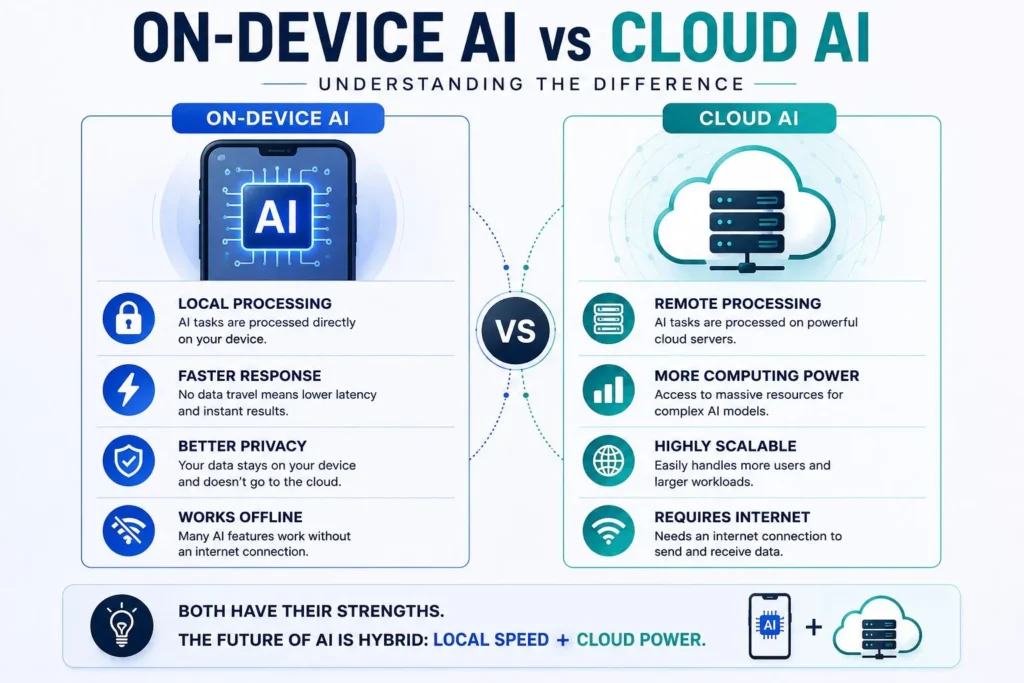
Cloud AI runs on big servers located in data centers. When you use an AI feature, your device sends the data over the internet to one of these servers, which processes the request and sends back a result.
For a long time, cloud computing was the only real option.
AI models needed more computing power than phones or laptops could offer. Data centers could run huge models with billions of parameters, far beyond what a phone could handle.
Cloud AI still runs a lot of what we use every day, like big chatbots, image generators, recommendation engines, and enterprise tools. Still, cloud-based systems have limits, especially when privacy, latency, and offline access matter.
The Shift Toward On-Device AI
On-device AI runs directly on your phone or laptop, rather than sending your data to a server somewhere.
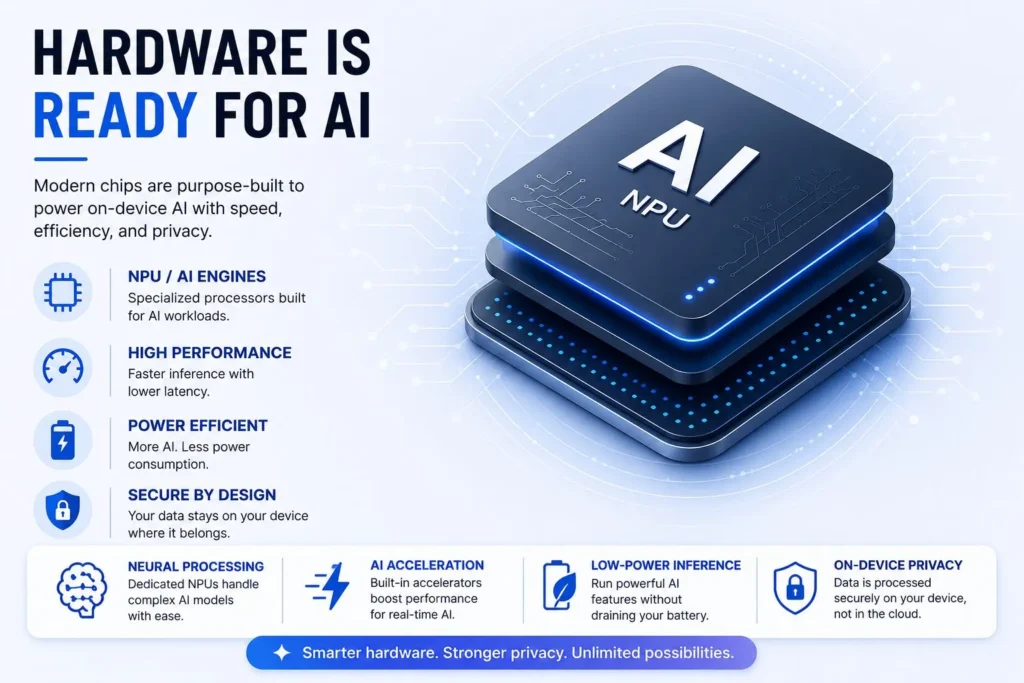
Modern devices now come with chips made for this kind of work, NPUs, AI accelerators, and tensor processors. They’re built to handle AI tasks without needing a wi-fi connection.
This became practical because of better model compression, quantization, and hardware acceleration. Advances in model compression, quantization, and hardware acceleration have significantly reduced the computing requirements of AI models, making local AI processing practical on modern smartphones and laptops.
Phones and laptops got smarter chips, and the models themselves got leaner. Together, those improvements helped AI progress much faster than many people expected.
A lot of features that used to depend on the cloud now work offline.
Benefits of On-Device AI: Privacy Comes First
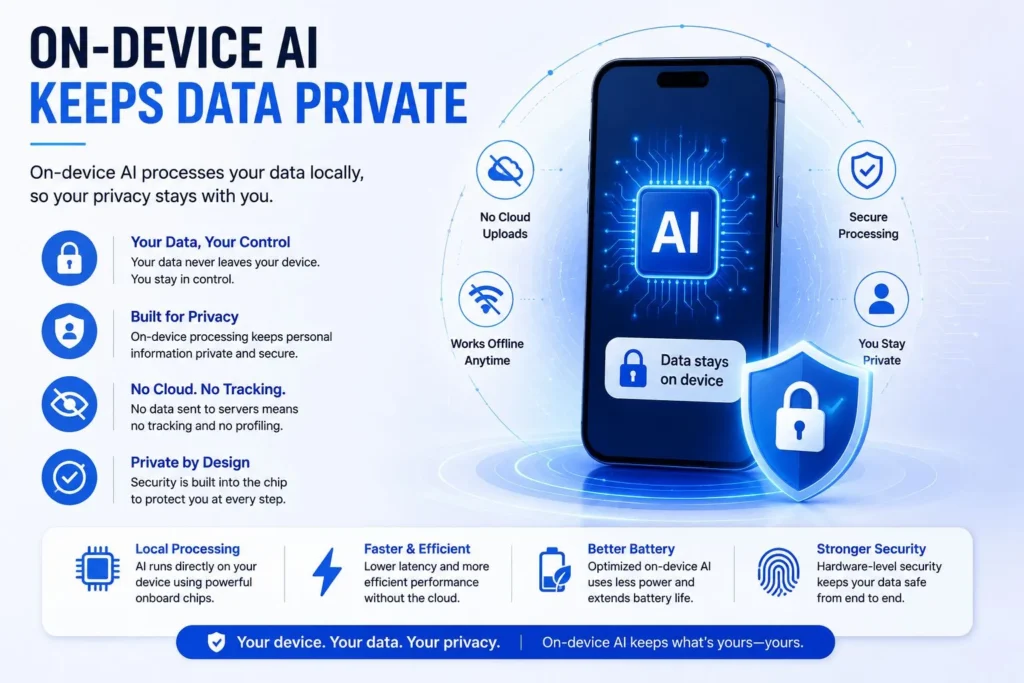
Privacy might be the single biggest reason behind this shift. Every time you send data to the cloud, you’re trusting some company to store it, process it, and keep it safe. One reason companies are investing heavily in local processing is the growing list of benefits of on-device AI, including better privacy, faster responses, offline access, and lower operating costs.
According to Apple, when AI runs locally, that data often never has to leave your device.
That matters a lot for things like personal conversations, photos, location history, health data, financial records, and private documents. Keeping that information on the device reduces the risk, because more of the data stays on the device instead of being sent to remote servers for processing.
This is now a core part of how companies design their AI systems. Apple Intelligence, for instance, processes many tasks on-device by default and only reaches out to the cloud when it requires additional computing power. We covered this approach in more detail in our complete guide to Apple Intelligence.
As people pay closer attention to their digital privacy, keeping AI local is becoming a much bigger selling point.
Why On-Device AI Feels Faster
Nobody likes waiting around.
Latency is one of the bigger downsides of cloud AI. Even a quick request still has to travel to a server and back. That delay might sound small, but it shows up clearly in things like live translation, voice assistants, camera processing, AR smart glasses, and self-driving systems.
When AI processing happens directly on the device, responses can feel almost instant.
Research and industry documentation on edge computing show that processing data closer to where it is generated can reduce latency compared with sending requests to distant cloud servers.
For users, that just feels better. Voice assistants answer faster, translations feel live, and AI camera features can adjust images as you shoot.
Speed matters, and on-device AI delivers it.
On-device AI Works Offline
Cloud AI needs a connection to work. No internet usually means limited features.
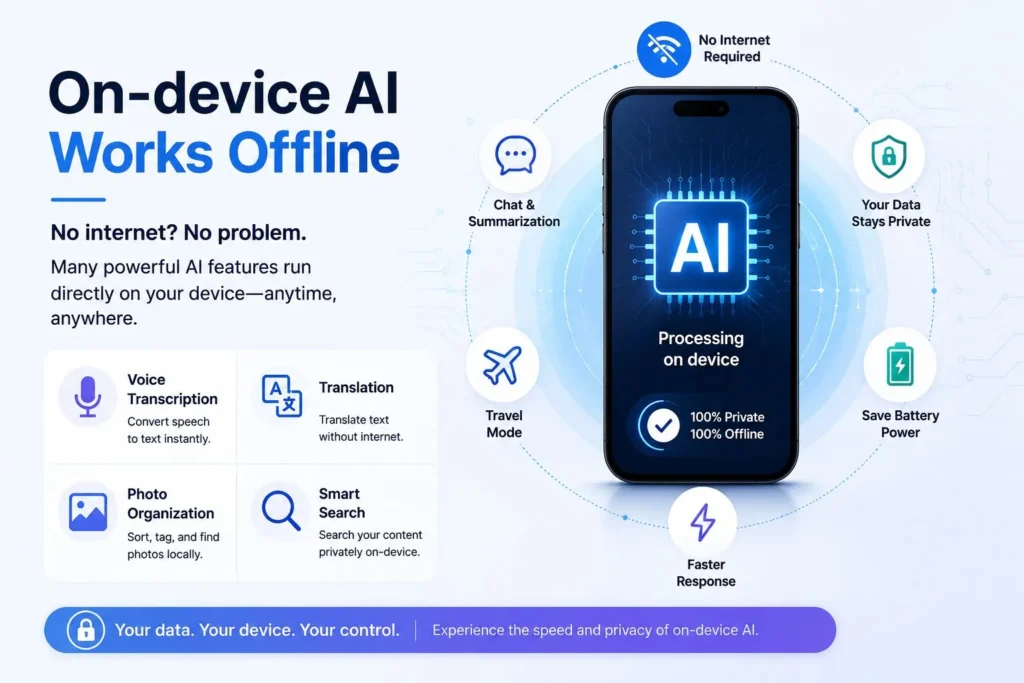
On-device AI doesn’t have that problem. A phone with local AI built in can keep handling many tasks, even without Wi-Fi or mobile data.
Voice transcription, text summaries, photo organizing, translation, smart search, and image recognition can often run entirely on the device through systems like Apple Intelligence, Google Pixel AI features, and Samsung Galaxy AI.
That’s helpful when you’re traveling, flying, commuting, or stuck somewhere with a bad signal. You’re no longer stuck waiting on a connection just to use a basic AI feature. It works without any internet connection.
Lower Costs
Running AI in the cloud isn’t cheap. Every request burns through server resources, electricity, networking gear, storage, and maintenance.
As more people use AI, cloud providers are having to pay more and more. Millions of daily requests can become expensive quickly.
On-device AI eases that load by shifting some of the work onto hardware people already own, instead of processing every single request in a cloud server.
Industry reports from organizations such as Deloitte suggest that moving certain AI workloads closer to users can reduce bandwidth usage, cloud infrastructure demands, and operational costs.
For companies, that’s a strong financial incentive. For users, it usually means quicker, more scalable service.
More Personal Experiences
Personalization is one of AI’s strongest selling points. The more an AI system knows about you, the more useful it gets. But storing tons of personal data in the cloud raises obvious privacy questions.
On-device AI sidesteps that problem.
Because the data remains on your device, AI can learn from your usage patterns without transmitting any sensitive information to a remote server. It can pick up on your habits, your writing style, the apps you use most, your routines, and your preferences, all without that information ever leaving your phone.
As AI assistants get more personal, keeping that processing local is only going to matter more.
Lower Power Use
Discussions around edge AI vs cloud AI often focus on speed and privacy, but energy efficiency is becoming an important part as well.
AI remote servers use a lot of electricity. The explosion of generative AI has people worried about energy use and environmental impact. Every request processed in a large data center needs power for servers, cooling, networking, and storage.
On-device AI can ease some of that load. Recent studies from MIT News suggest local processing can use noticeably less energy than cloud processing for a lot of everyday tasks.
Cloud processing isn’t going away for big workloads, but spreading some of that processing to devices could help lower overall energy consumption. As sustainability becomes a bigger concern across the tech industry, this is getting more attention.
Hardware Is Ready for AI
Five years ago, running a serious AI model on a phone sounded unrealistic. Now it’s pretty normal. The edge AI vs cloud AI discussion isn’t as simple as one technology replacing the other. Each approach has strengths that make it useful for different types of AI workloads.
Modern chips include dedicated AI hardware that can handle billions of operations per second. Think of Apple’s Neural Engine, Qualcomm’s Hexagon NPU, Google’s Tensor chips, and Samsung’s AI accelerators equiped chips. These chips make local AI practical without draining the battery or slowing things down.
Better hardware paired with smaller, more efficient models has changed what a device can do on its own. Voice recognition, photo editing, transcription, and smart search increasingly happen right there on the device.
None of these advancements would be possible without those hardware improvements.
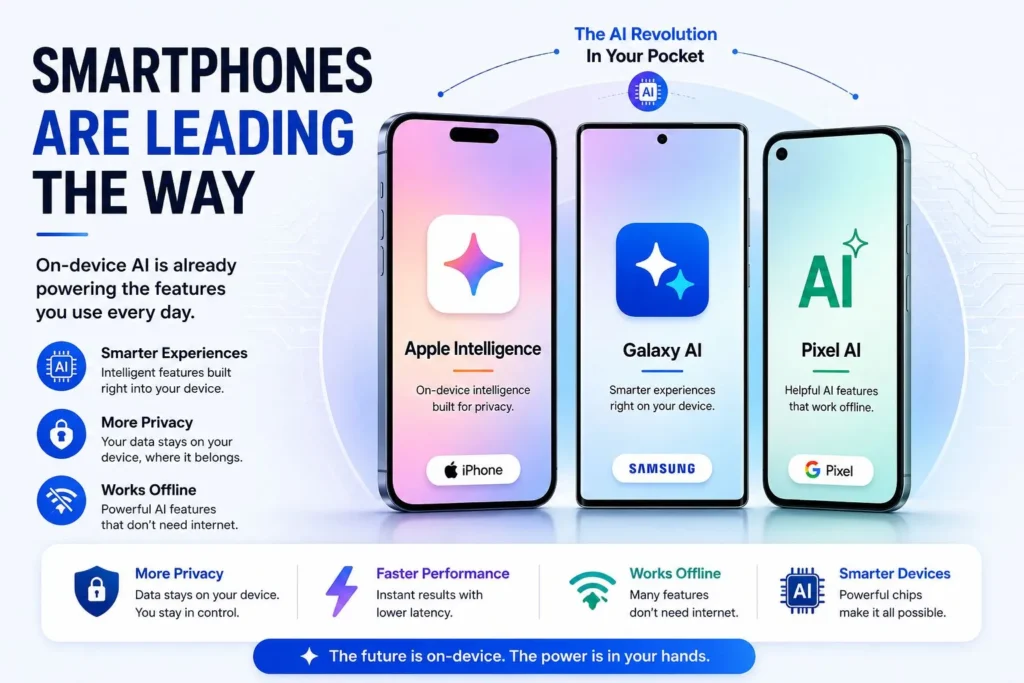
Smartphones Are Leading the Way
Smartphones are where companies are putting many of their on-device AI ideas to the test. Phone makers are increasingly using AI features to differentiate their devices.
A lot of flagship phones now handle things locally like live translation, AI photo editing, voice transcription, quick summaries, context-aware suggestions, and real-time image analysis.
Apple Intelligence treats local processing as a core design choice. Google’s Pixel lineup and Samsung’s Galaxy AI features also depend heavily on on-device processing for privacy and speed.
Most people probably don’t realize how much on-device AI they’re already using every day.
Cloud AI Still Matters
Even with all this progress, cloud AI still matters.
Some heavy tasks are just too big for a phone or laptop to handle. Massive language models, business systems, large-scale data analysis, advanced image generation, and scientific computing still need resources that local devices can’t provide yet.
Even companies that invest heavily in on-device AI admit that some requests still require cloud AI.
Apple’s Private Cloud Compute and Google’s Private AI Compute are good examples of this balance. Both rely on local AI first and then hand off bigger tasks to secure cloud servers when needed.
The on-device AI vs cloud AI debate isn’t really about choosing one over the other. The future will likely involve both approaches working together. Devices can handle faster, everyday AI tasks locally, while the cloud continues to take care of larger and more demanding workloads.
Final Thoughts
The move from cloud AI to on-device AI is one of the bigger shifts happening in computing right now.
Privacy concerns, faster response times, offline access, lower costs, energy savings, and better hardware are all pulling AI closer to the user.
Cloud AI was dominant simply because devices weren’t powerful enough to do the work themselves. That’s changing fast.
Phones, laptops, and wearables are becoming capable enough to handle a lot of AI tasks on their own. As hardware keeps improving and models get more efficient, more of that work will happen locally.
Cloud AI isn’t disappearing. Its job is just changing. Instead of handling every request, it’s becoming more of a backup for the tasks devices can’t manage alone.
If you’re curious about how local AI is already being used today, check out our detailed guides on Apple Intelligence and Samsung Galaxy AI.
AI will likely continue to evolve through a combination of cloud AI and on-device AI, with more processing happening closer to users than ever.
FAQs
What is on-device AI?
On-device AI runs directly on your phone, laptop, or tablet instead of sending data to a remote server. That means faster responses, better privacy, and it keeps working even without an internet connection.
What is the difference between on-device AI and cloud AI?
It comes down to where the processing happens. On-device AI handles everything locally, while cloud AI sends your data to remote servers. Local processing is faster and more private, while cloud processing is better suited for heavier and more complex tasks.
Why is on-device AI becoming more popular?
Local processing offers faster responses, stronger privacy, offline support, and less dependence on cloud processing. Better AI chips have also made local processing far more practical than it was even a few years ago.
Can on-device AI work without an internet connection?
Yes. Voice transcription, translation, photo organization, text summarization, and image recognition; many of these tasks run fine without Wi-Fi or mobile data, depending on your device.
Is on-device AI more private than cloud AI?
Generally, yes. When your data stays on the device instead of sending to a server, less of your personal information leaves your hands. That matters for things like photos, messages, documents, and location data.
Will on-device AI replace cloud AI in the future?
Probably not. Most experts expect on-device AI and cloud AI to work together rather than replace one another. Everyday tasks can be handled locally for speed and privacy, while larger and more demanding AI tasks will continue to rely on cloud AI.