
Best Antivirus for Android in 2026: We Tested 9 Popular Apps
Android phones already come with useful security features, including Google Play Protect, Application Sandbox, encryption, and regular security updates on
Android phones already come with useful security features, including Google Play Protect, Application Sandbox, encryption, and regular security updates on
Dark Mode is easier on the eyes for many people, especially at night. But there is another reason iPhone
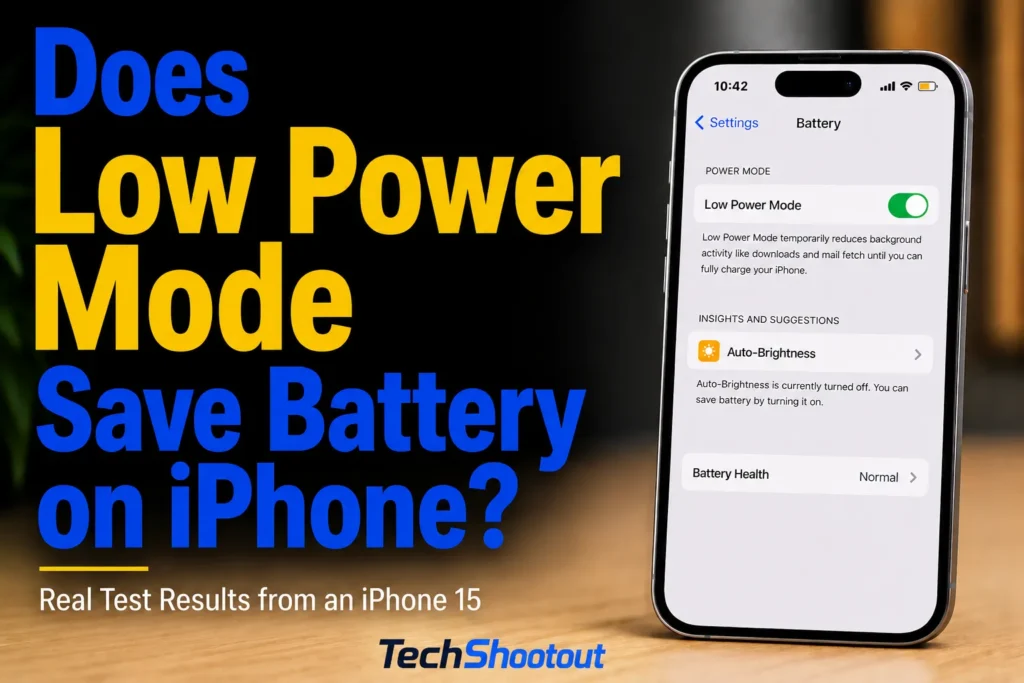
Low Power Mode sounds straightforward: turn it on, your iPhone uses less power, and the battery lasts longer. But
Scroll through phone spec sheets and you’ll see OLED on one and AMOLED on another. It’s easy to assume
Your phone probably knows more about you than any other device you own. It holds or provides access to your
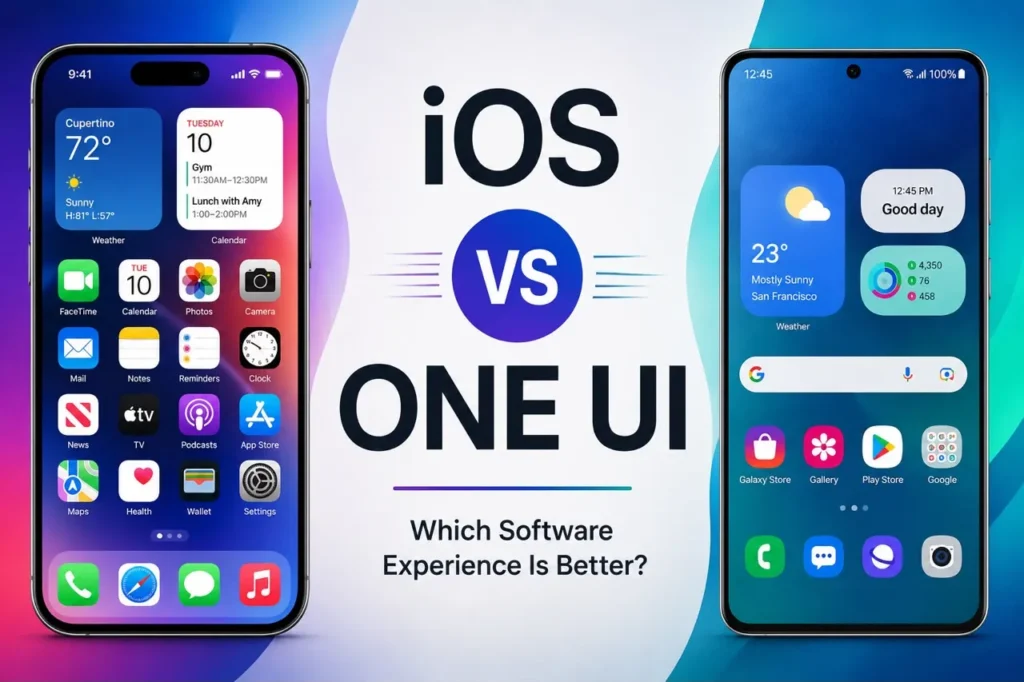
Apple’s iOS and Samsung’s One UI approach things very differently. iOS puts a strong emphasis on consistency and simplicity,
Google Play Protect is Android’s built-in app security service. It checks apps from Google Play and other sources and periodically
AirDrop lets you send photos, videos, documents, and contacts between nearby Apple devices without cables or extra apps. But sometimes
If your Android phone is stuck in Safe Mode and you wonder how to turn it off, a normal restart
Pop-up ads, sudden slowdowns, or a battery that drains faster than usual can make you wonder whether your Android phone